Recording from any tab
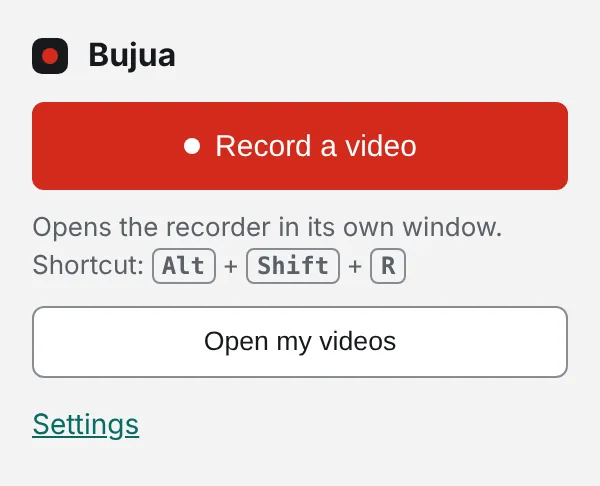
A toolbar button and a keyboard shortcut that open the recorder in its own small window. Work continues in the tab being recorded.
- Alt+Shift+R from anywhere in Chrome
- Recorder opens in its own window
- Same account, same library
- Works in Chrome, Edge and Brave
Why an extension at all?
You don't need one: the recorder works in any browser tab. The extension just removes the trip to a new tab. One shortcut, a choice of what to share, then talk, stop and paste.
Permissions, kept to the minimum
The extension asks for one permission: storage, to remember your preferences. It can't read the pages you visit, and recording still happens through the browser's own screen sharing prompt, where you choose exactly what to share.
Chrome extension: common questions
Something missing? Questions sent through the contact page get an answer within a working day.
Does it work in Edge or Brave?
Yes. Both run Chrome extensions.
Can I change the shortcut?
Yes, at chrome://extensions/shortcuts.
Do I have to use the extension?
No. Everything works from the website.
Your next explanation could be a two minute video.
The first one needs no account and no install, and the link is ready when recording stops.